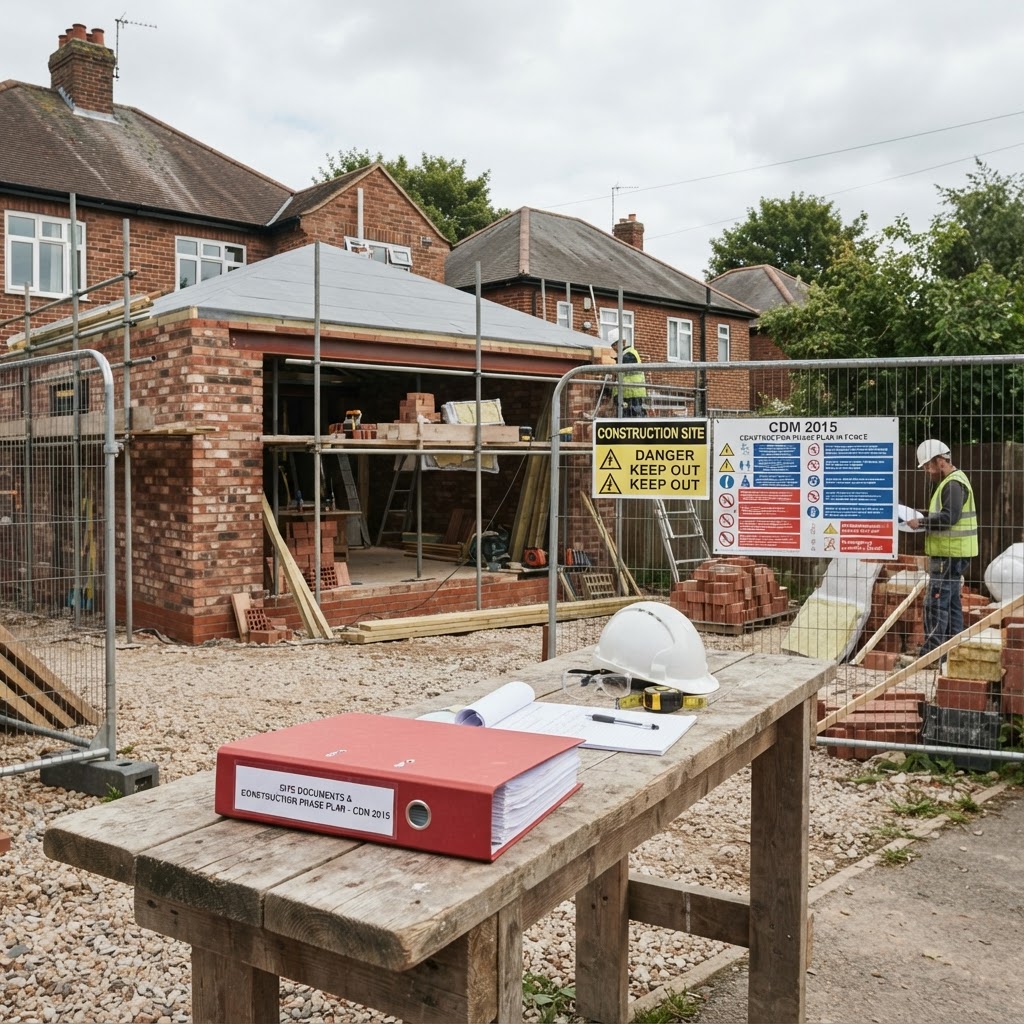
If a main contractor, housing association or commercial client has asked you for "your RAMS" before you start on site, this guide walks you through writing one from scratch — what goes in each section, how detailed to be, and the errors that get packs bounced back.
What a RAMS actually is
RAMS stands for Risk Assessment and Method Statement. It's two documents used together:
- The risk assessment identifies the hazards in the job, who they could harm, and the control measures you'll use.
- The method statement sets out the safe sequence of work, step by step, from arriving on site to clearing up.
If you're unsure how the two differ, read our guide on the difference between a risk assessment and a method statement first.
Step 1: Gather the job details
Before writing anything, collect:
- Site address and a description of the site (occupied? live services? public access?)
- Exact scope of work — not "roofing works" but "strip and re-felt flat roof to single-storey rear extension, approx 20m²"
- Start date and expected duration
- Who's doing the work (names, roles, relevant tickets — CSCS, IPAF, PASMA)
- Plant and equipment being used
- The client or principal contractor's site rules, if you've been given them
Generic detail is the number one reason RAMS get rejected. A reviewer can spot a copy-pasted pack in seconds.
Step 2: Write the risk assessment
Work through the HSE's five steps:
- Identify the hazards. Walk the job mentally in sequence. For a roofing job: falls from height, falling materials, fragile surfaces, manual handling, weather, hot works if torch-on felt.
- Decide who might be harmed. Your operatives, other trades, the client's staff, neighbours, passers-by.
- Evaluate and control. Score each hazard for likelihood and severity (a 5×5 matrix is standard — try our free risk matrix tool), then apply controls following the hierarchy: eliminate, substitute, engineering controls, administrative controls, PPE last.
- Record it. Show initial risk, controls, and residual risk for every hazard.
- Set a review date and revisit if anything changes.
Step 3: Write the method statement
The method statement is the story of the job, told safely, in order:
- Project details — site, client, dates, your company details
- Scope of works — what exactly you're doing
- Personnel — who, with what qualifications
- Plant and equipment — including inspection requirements
- Sequence of work — arrival and induction, setting up exclusion zones, access arrangements, the work itself step by step, housekeeping, and leaving the site safe
- PPE requirements — task-specific, not a generic list
- Emergency arrangements — first aider, nearest A&E, rescue plan for work at height, fire arrangements
- COSHH — reference any hazardous substances and their assessments (see our COSHH guide for small contractors)
Step 4: Brand it, sign it, issue it
A professional-looking pack gets treated professionally. Include your logo and company details, a document reference, revision number and date, and signature blocks — both for the author and for the operatives who must read and sign it before starting.
RAMS checklist
Before sending, check every item:
- [ ] Site address and specific scope of work stated
- [ ] Every hazard scored before and after controls
- [ ] Controls follow the hierarchy (not PPE-first)
- [ ] Members of the public considered
- [ ] Sequence of work in genuine chronological order
- [ ] Emergency arrangements: first aid, hospital, rescue plan
- [ ] Plant inspection requirements stated
- [ ] COSHH assessments referenced where relevant
- [ ] Revision number, date and author on every page
- [ ] Operative sign-off sheet included
The mistakes that get RAMS rejected
- Recycled content that references the wrong site or trade
- No residual risk scores — showing risk before controls only
- "PPE will be worn" as the control for everything
- Missing rescue plan for any work at height
- No revision control, so nobody knows which version is current
The faster way
Writing all this in Word takes most firms 2–4 hours per job. Our RAMS software walks you through every section with trade-specific hazard libraries and exports a branded, signed-off pack in 10–15 minutes — and repeat jobs take even less, because you duplicate and update rather than start again. Start a free trial — no card needed.